

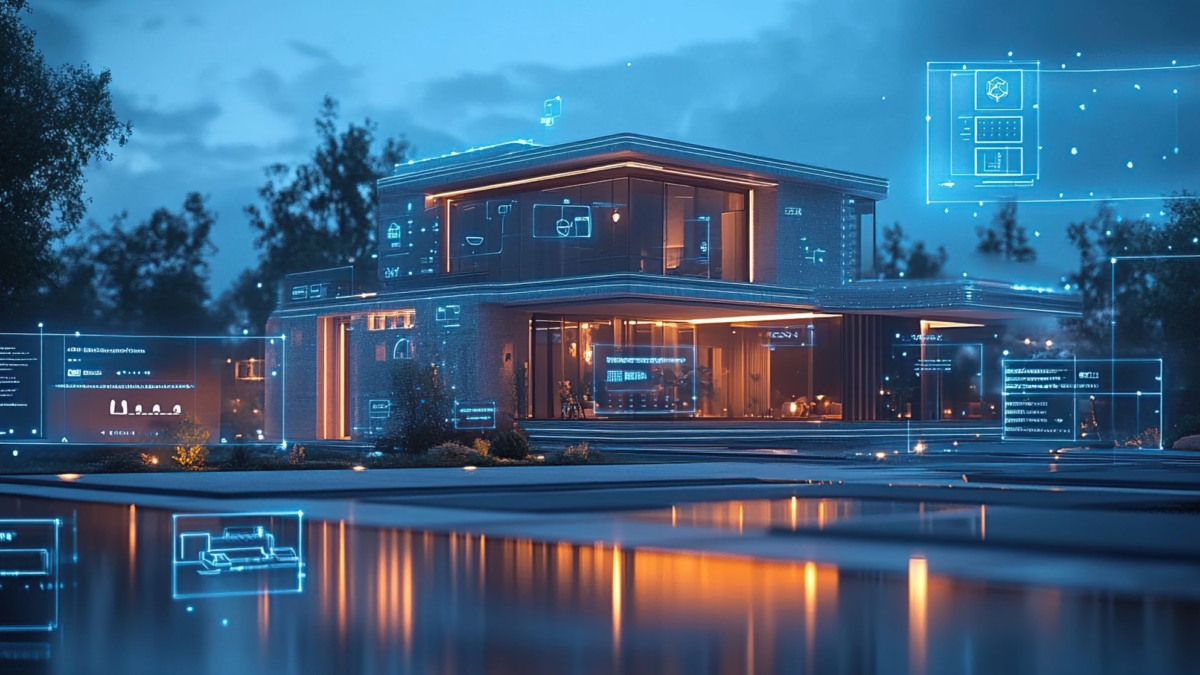
Smart home technology has a habit of moving faster than the homes it lives in. A device that feels cutting-edge today can look outdated a few years from now, while new standards, faster networks, smarter automation, and entirely new categories of technology continue to emerge.
That’s why future-proofing a smart home isn’t really about predicting which gadgets will be popular next. It’s about creating the infrastructure that makes change easy.
The smartest investment may not be the newest device on the shelf. It may be the wiring, space, connectivity, and flexibility hidden behind your walls.
This approach is becoming increasingly important in modern smart-home design, particularly for new construction and major renovations. If you’re planning a new build, HomeTechHacker’s guide to building a new-construction smart home offers additional ideas for planning technology from the beginning.
Start Behind the Walls
Some of the most valuable smart-home upgrades are the ones you never see.
When construction or renovation gives you access to your walls, consider installing conduit—sometimes called smurf tube—alongside your low-voltage wiring. Rather than permanently embedding every cable where it is needed today, conduit creates a protected pathway for future upgrades.
That distinction matters.
Technology changes. Cable standards change. Network requirements change. What seems unnecessary now may become useful later.
With conduit in place, you can potentially pull new Ethernet, fiber, speaker cables, or other low-voltage wiring through an existing pathway without opening up drywall again. A small amount of planning during construction can therefore save a much larger project years later.
Give Your Technology a Home of Its Own
A smart home becomes easier to manage when its infrastructure has a central location.
A dedicated technology closet or structured media enclosure can serve as the central point for your router, modem, network switches, smart-home hubs, and other networking equipment. Instead of scattering critical hardware throughout the house, you create one organized place where connections can be traced, equipment can be replaced, and problems can be diagnosed.
Run your major conduits back to this central location whenever practical. Leave enough room for additional equipment and future expansion, and think about ventilation and power as well.
The goal is simple: make tomorrow’s upgrade feel more like installing new equipment than rebuilding part of the house.
Think Beyond Devices
Future-proofing isn’t limited to wiring.
Technology can eventually change how you use the physical spaces around it. A dedicated home theater, expanded living area, outdoor entertainment space, automated shading, or whole-home audio system may require more than a new gadget. Some projects can involve structural changes, new electrical work, additional networking, or even removing existing structures.
That’s why larger possibilities are worth considering before renovation plans are finalized.
If you think you may eventually combine rooms, for example, have a qualified professional determine whether the relevant walls can be altered safely before construction begins. Understanding those possibilities early can help coordinate structural, electrical, networking, and technology work instead of treating each upgrade as a separate project.
Run the Wires While the Walls Are Open
Changing a smart bulb is easy. Retrofitting an entire smart-home system is another story.
Automated blinds may require low-voltage power at individual windows. Whole-home audio can require speaker wiring across multiple rooms. A smart HVAC system may need sensors, controls, and additional wiring throughout the house.
These systems are much easier to install before drywall goes up.
So whenever you’re already renovating, think a few steps ahead. Finishing a basement? Remodeling a kitchen? Opening a wall? Adding an extra conduit, network cable, speaker wire, or power connection while the space is accessible may cost relatively little compared with opening that same wall again years later.
You don’t need to install every system immediately. You’re simply creating options.
Leave Room for Expansion
Future-proofing also means resisting the temptation to build everything to the absolute minimum.
A network cabinet with no spare space, a tech closet packed with equipment, or a conduit with no room for additional cables can quickly become another limitation.
Where practical, leave capacity for growth. Provide additional outlets, allow room for network equipment, label unused cables and pathways, and avoid designing your infrastructure so tightly that one upgrade requires rebuilding another part of the system.
The technology you install tomorrow may not even exist today. Flexibility is therefore more useful than trying to guess the future.
Know Where DIY Ends
Smart-home technology can make many projects approachable, but not every part of a smart-home installation should be a DIY experiment.
Anything involving your home’s electrical system deserves particular care. Installing hardwired devices, new outlets, dedicated circuits, or other electrical equipment may require professional expertise. If you aren’t qualified to perform electrical work safely, use a licensed electrician.
Structural modifications should be treated with the same seriousness. A wall that looks removable may serve a critical structural purpose, while seemingly simple changes can affect wiring, plumbing, ventilation, or fire safety.
Permits may also be required for electrical or structural work, depending on local regulations. These requirements exist to ensure that significant modifications meet applicable safety standards. Completing work without a required permit can create complications later, including during a home sale or inspection.
Future-proofing should make your home more adaptable—not create problems that future homeowners have to uncover.
Organize the Digital Side, Too
Once the physical installation is complete, don’t stop at putting the tools away.
Label your cables clearly, document where important connections lead, and keep track of which devices connect to which systems. A neat technology closet may look satisfying today, but good documentation becomes especially valuable when you’re troubleshooting a problem years later.
Then bring the new equipment into your smart-home ecosystem.
Add the devices to your preferred hub or app, update their firmware, assign meaningful names, and organize them by room or function. As the number of connected devices grows, network security becomes increasingly important as well. HomeTechHacker’s guide, How I Protect My Network from IoT Device Hacking, explores one approach to reducing the risks associated with connected devices.
A smart home should be convenient, but convenience shouldn’t come at the expense of basic digital security.
Make the Technology Work Together
The final step is turning individual devices into a coordinated system.
A smart blind is useful. Smart lighting is useful. A connected media system is useful. But when they work together, the experience becomes much more meaningful.
Imagine a “movie night” scene that dims the lights, lowers the blinds, adjusts the room, and starts your entertainment system with one command. Or an away mode that coordinates lighting, security devices, climate controls, and other connected equipment automatically.
This is where a collection of smart products starts becoming an actual smart home.
For a real-world look at how a mature system can change over time, HomeTechHacker’s annual State of My Smart Home series provides an example of a home that continues to evolve as new technology and ideas become available.
Design for Change, Not Perfection
The biggest mistake in future-proofing may be trying to predict exactly what the future will look like.
You probably can’t know which devices you’ll want five or ten years from now. You can, however, make your home easier to adapt when those devices arrive.
Install pathways instead of permanent limitations. Leave space instead of filling every cabinet. Add capacity instead of planning only for today. Document what you build. Think about structural and electrical possibilities before walls are closed.
The result doesn’t have to be the most technologically advanced home on the block.
It simply needs to be ready to change.
Because the smartest home isn’t the one that has every new gadget. It’s the one that can keep evolving without starting from scratch.